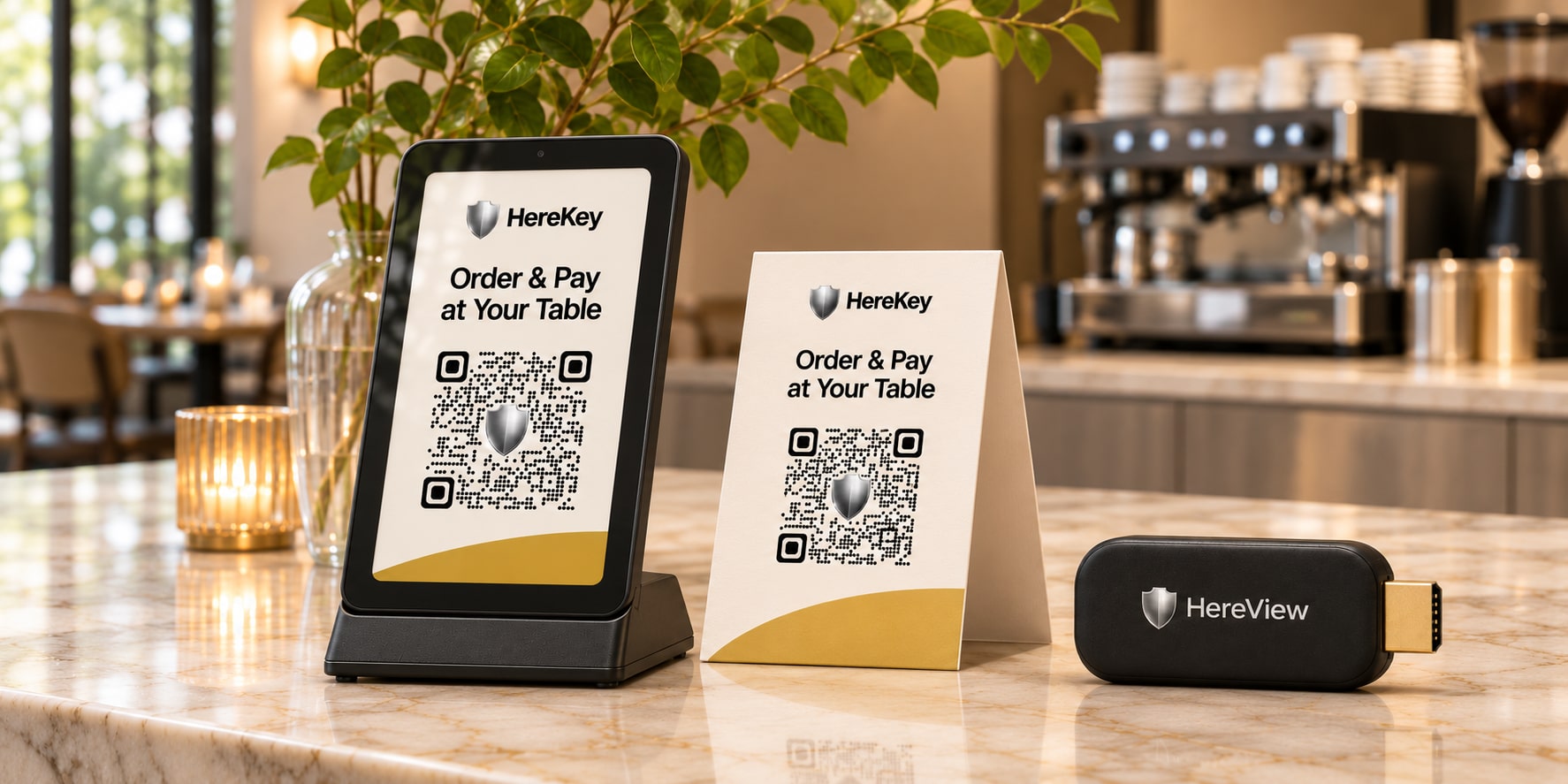
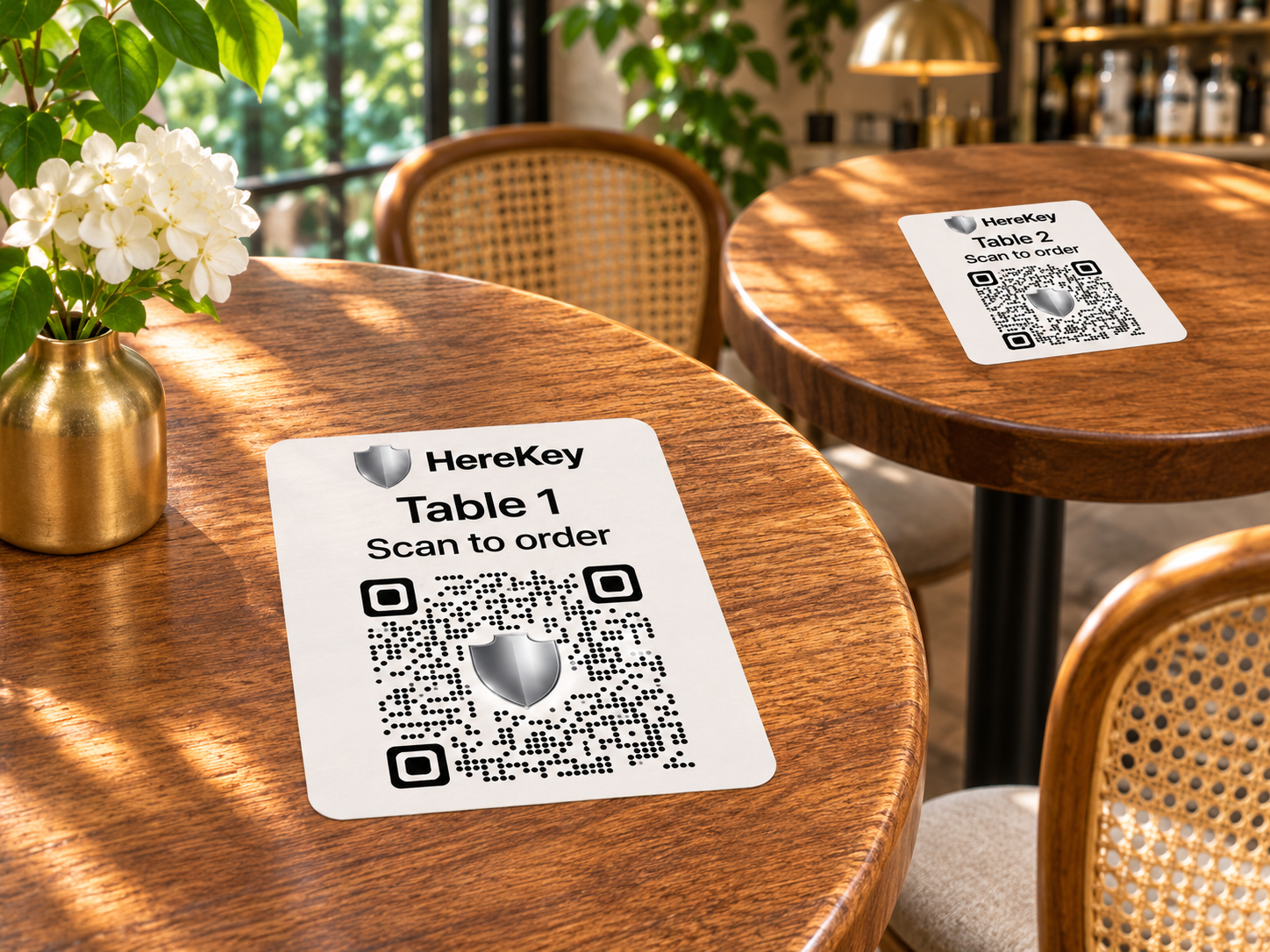
Choose table numbers, QR color and Avery label size in Tables & QR Codes. Download the PDF and print at actual size.
At the table
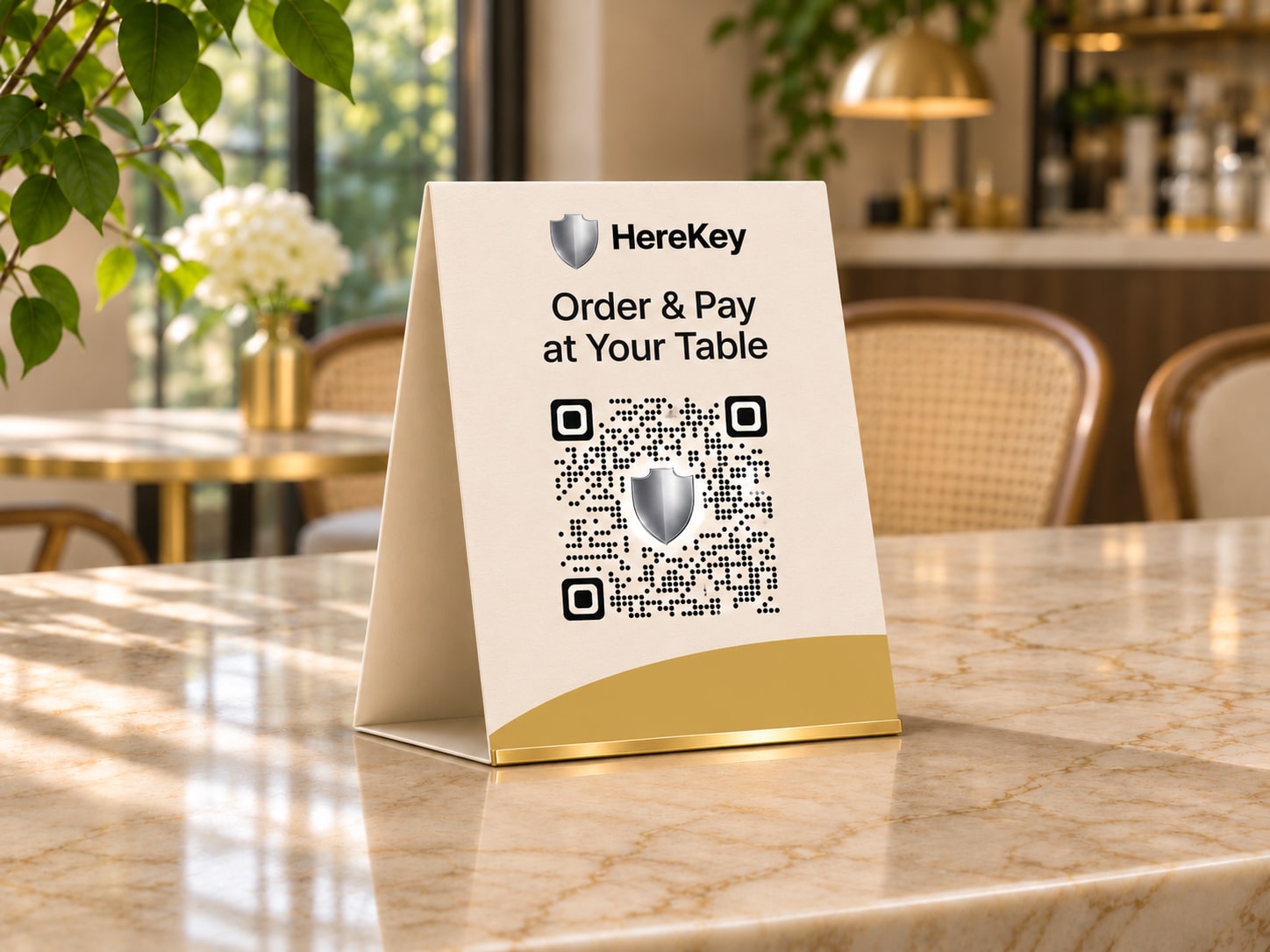
Table QR Stand
Holds a printed, table-specific QR code.
$15.00USD eachMinimum 5 · sold in batches of 5$15 shipping per batch of 5
View details ↗
Compatibility & setup
Generate a table QR code in your restaurant workspace and print it for the stand.
At the table
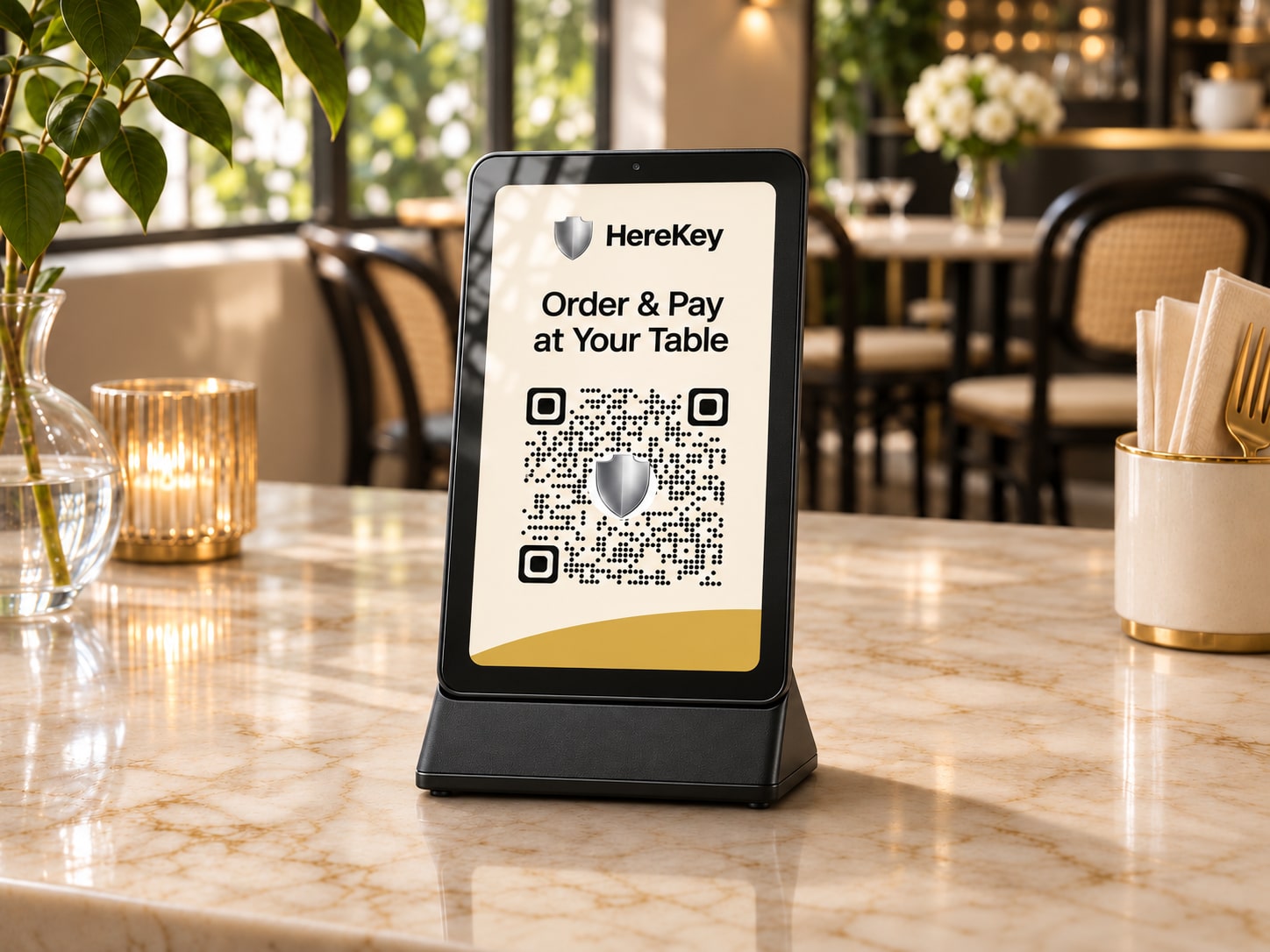
Table QR Display
Shows a digital table QR code guests can scan with their phones.
$99.00USD eachMinimum 1 unitShipping to be confirmed
View details ↗
Compatibility & setup
Use a table-specific QR code from your restaurant workspace. Confirm connection and power requirements for your installation.
At the table
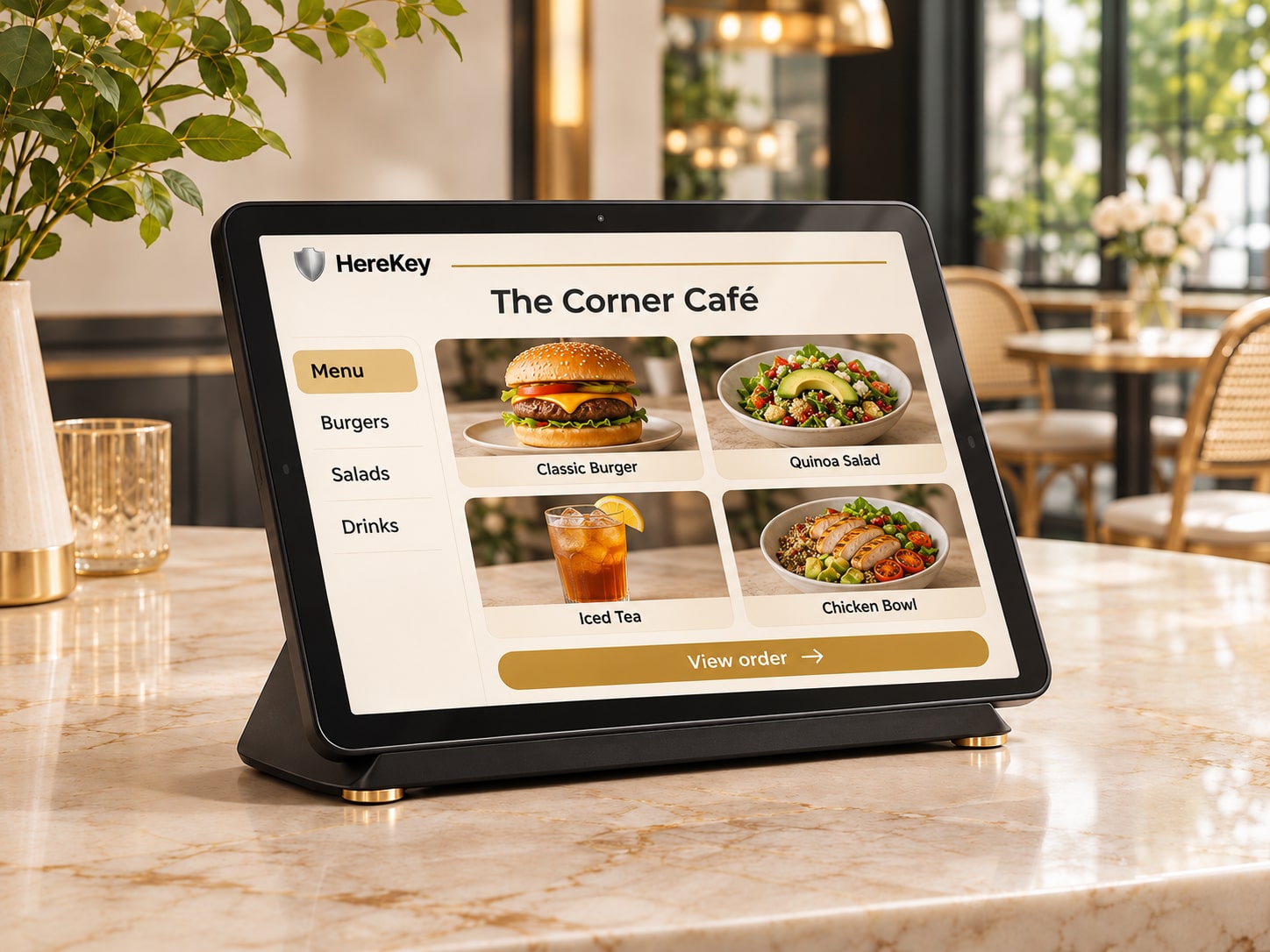
Table Ordering Tablet
A restaurant-provided touchscreen for browsing and ordering where supported.
$249.00USD eachMinimum 1 unit$30 shipping per unit
View details ↗
Compatibility & setup
Configure the tablet for your restaurant menu and ordering workflow. Confirm software compatibility and restaurant settings during setup.
At the counter
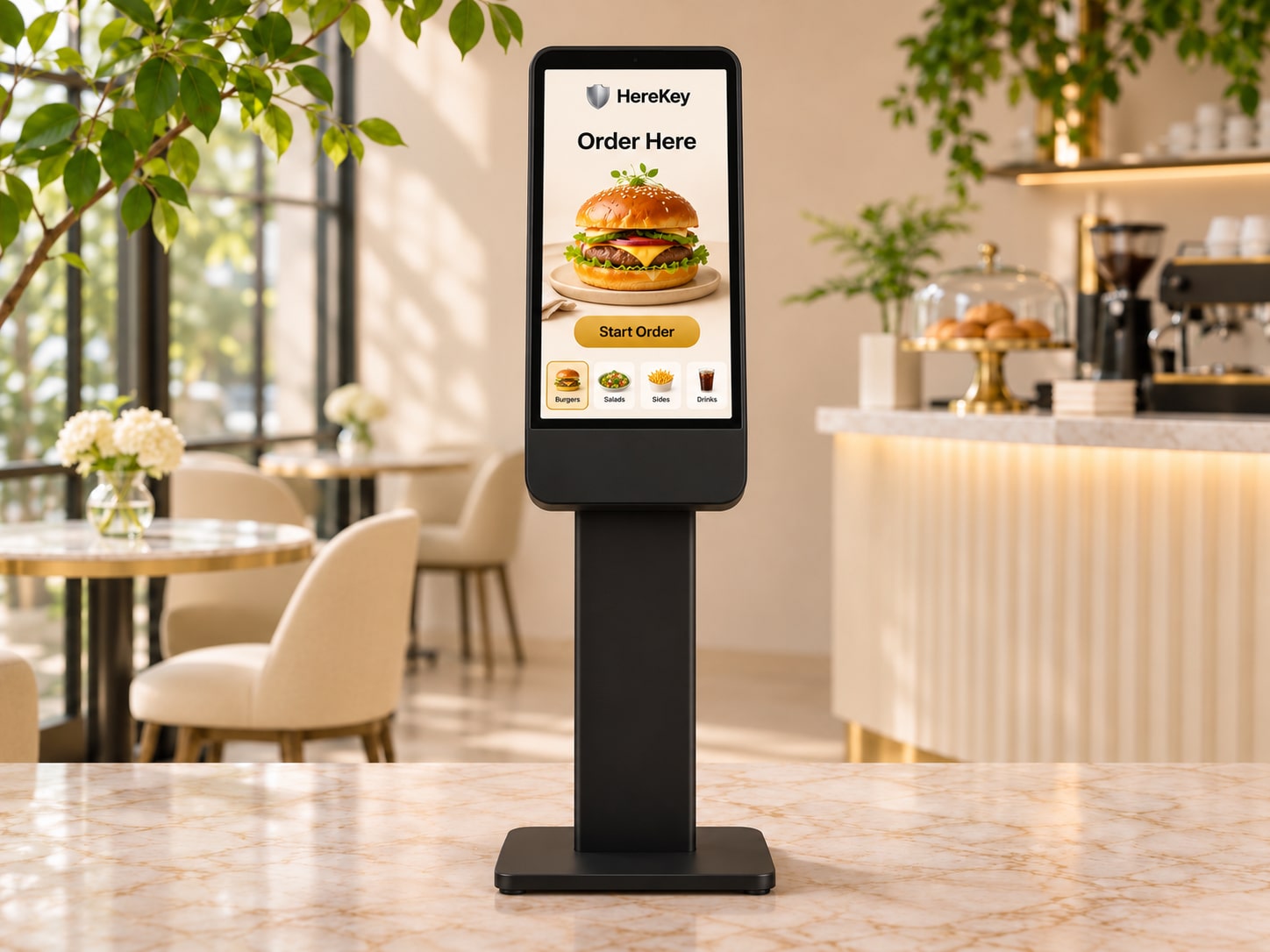
Self-Order Kiosk
A touchscreen ordering station.
$899.00USD eachMinimum 1 unit$199 shipping per unit
View details ↗
Compatibility & setup
Plan the kiosk location, power and network connections. Confirm installation requirements and ordering software when arranging setup.
In your space
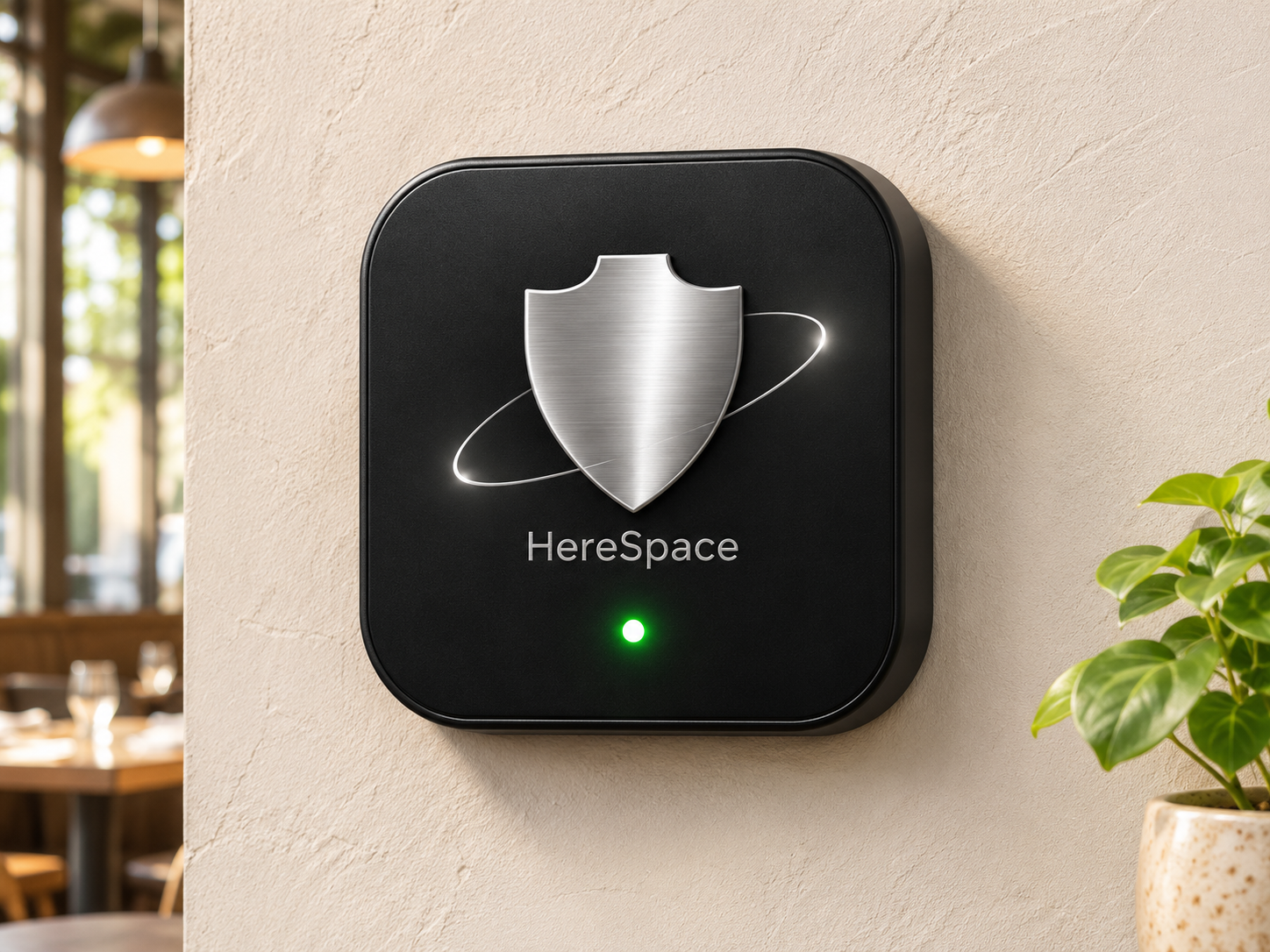
HereSpace Beacon
A wall-mounted location broadcast module that helps nearby customers discover your restaurant and open its menu in the HereKey app.
$299.00USD eachMinimum 1 unit$15 shipping per unit
View details ↗
Compatibility & setup
Mount at your restaurant and associate the beacon with your location. Confirm app permissions, phone compatibility, power and network requirements during setup.
On your TV
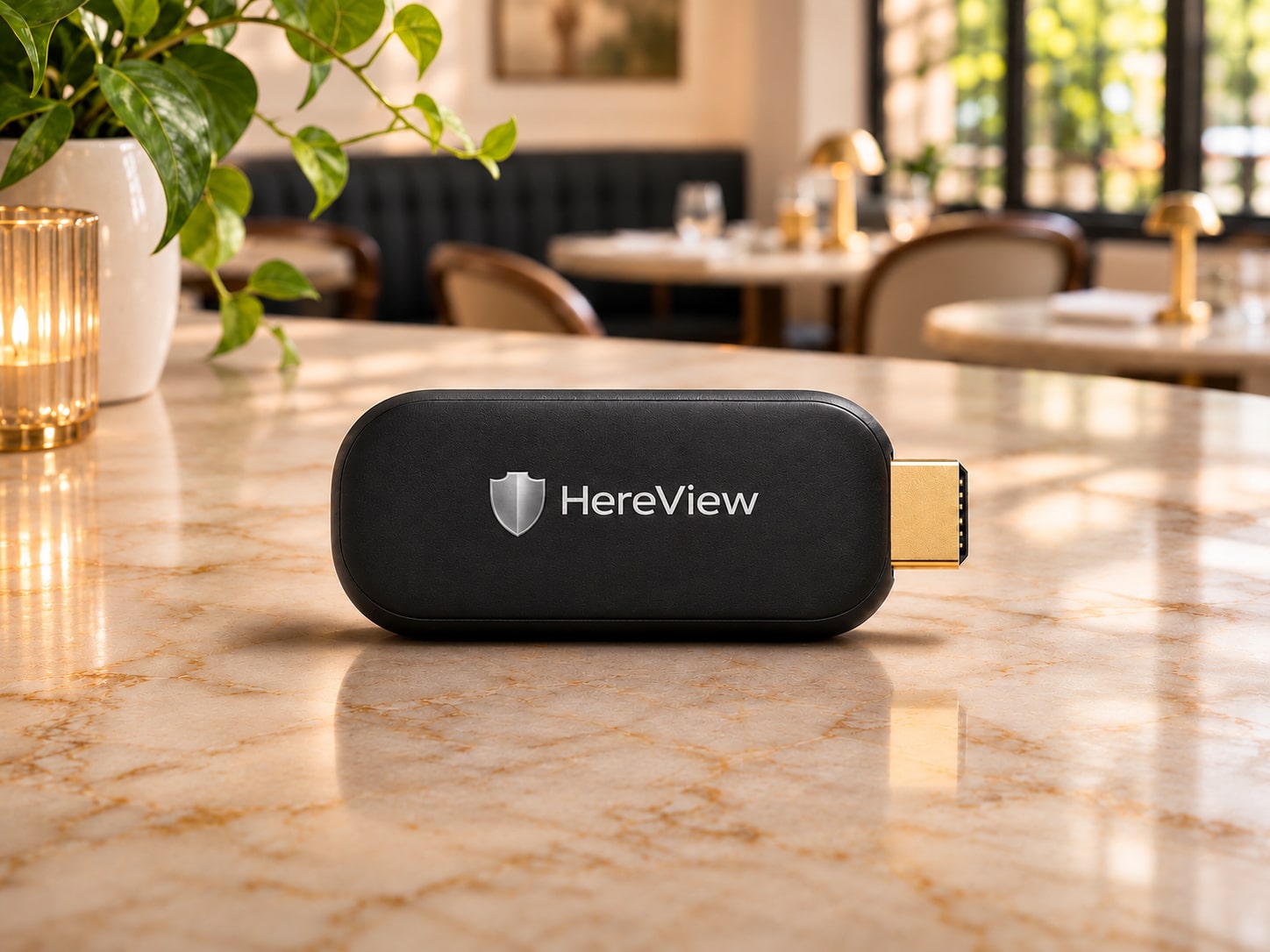
HereView Dongle
Displays restaurant menus and featured merchandise on compatible TVs.
$59.00USD eachMinimum 1 unit$11 shipping per unit
View details ↗
Compatibility & setup
Connect to a compatible TV and arrange HereView pairing. Confirm power and network requirements for your installation.
HereView in your restaurant
See HereView across your restaurant.
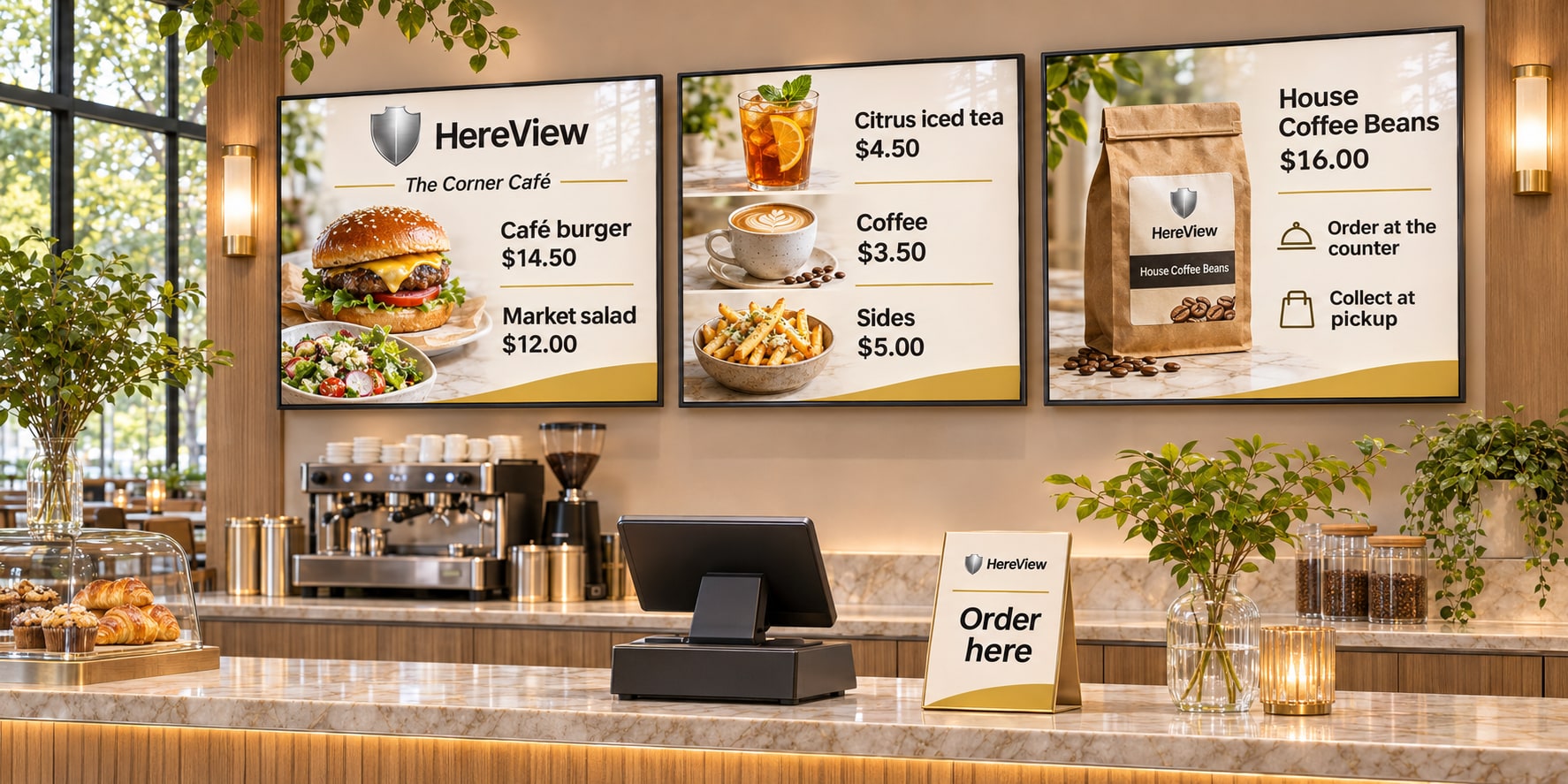
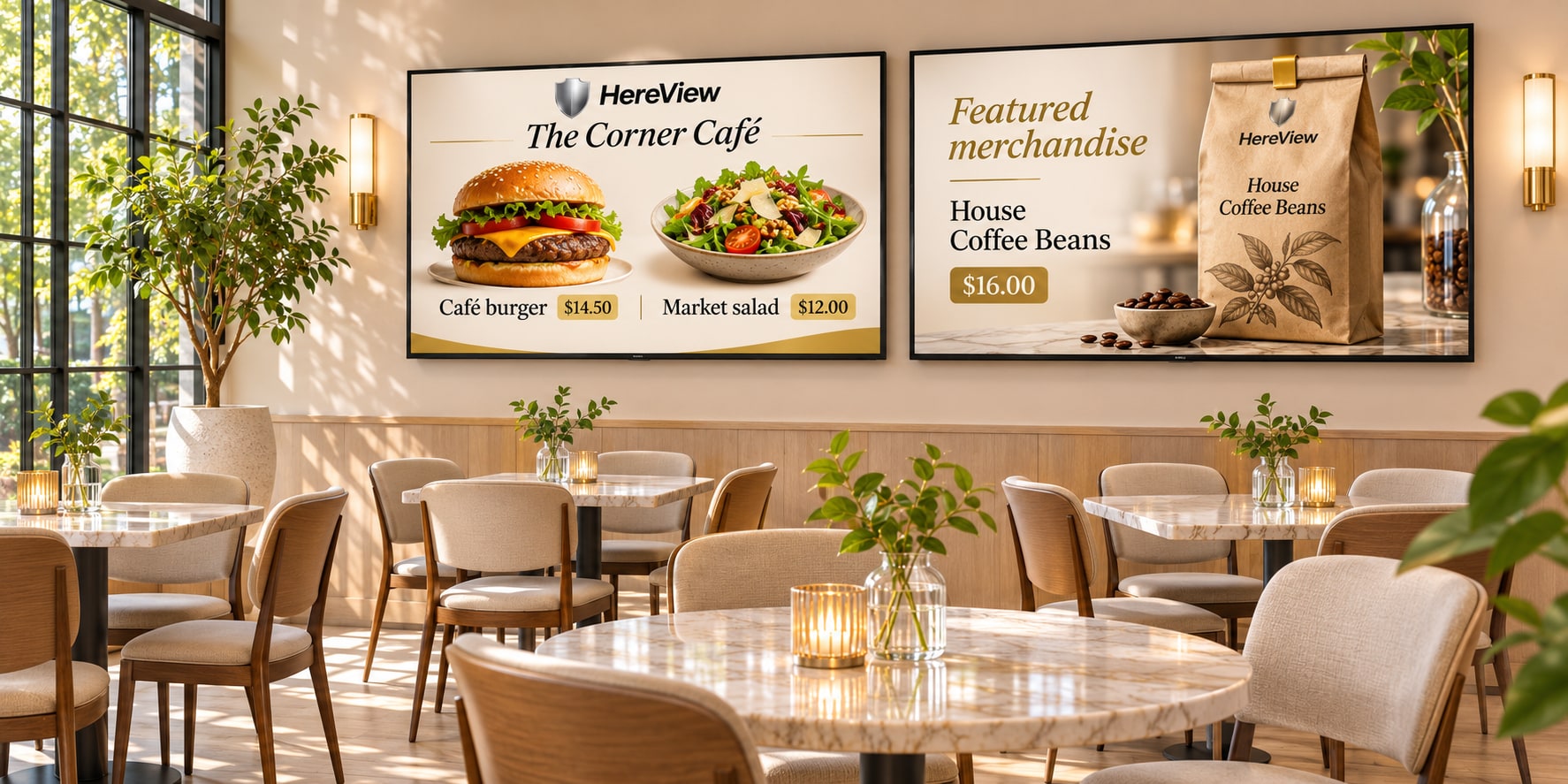
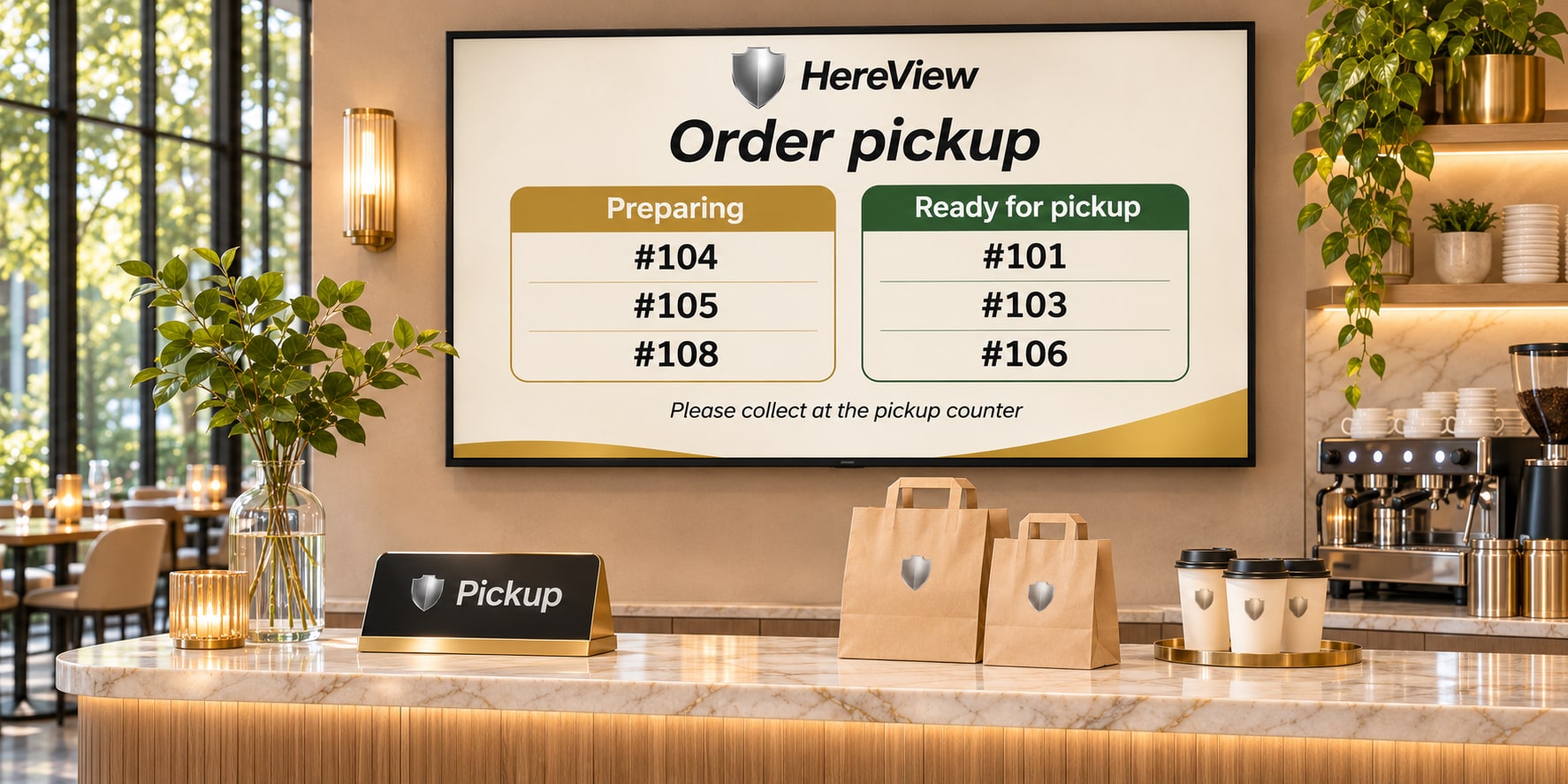
Explore screen layouts for menus behind the counter, featured dishes in the dining room, and order collection.
Illustrative layouts with sample prices and order numbers. Pickup display integration is planned.
At the checkout counter
Put your menu where guests order.
Show food photos, prices, drinks, and ordering directions on screens behind the cashier.